How can you hybrid-optimize meeting spaces to ensure in-person and remote employees enjoy equally engaging experiences? Tell us your ideas. Get more with lessons learned from Microsoft using Signature @Microsoft Teams Rooms to create more inclusive and collaborative hybrid meetings. 👀Read this blog & watch 📹
Orkide Oils increased productivity with Microsoft Azure Virtual Desktop
Learn how Orkide Oils increased productivity with @Microsoft Azure Virtual Desktop.
Read this customer story. 👉
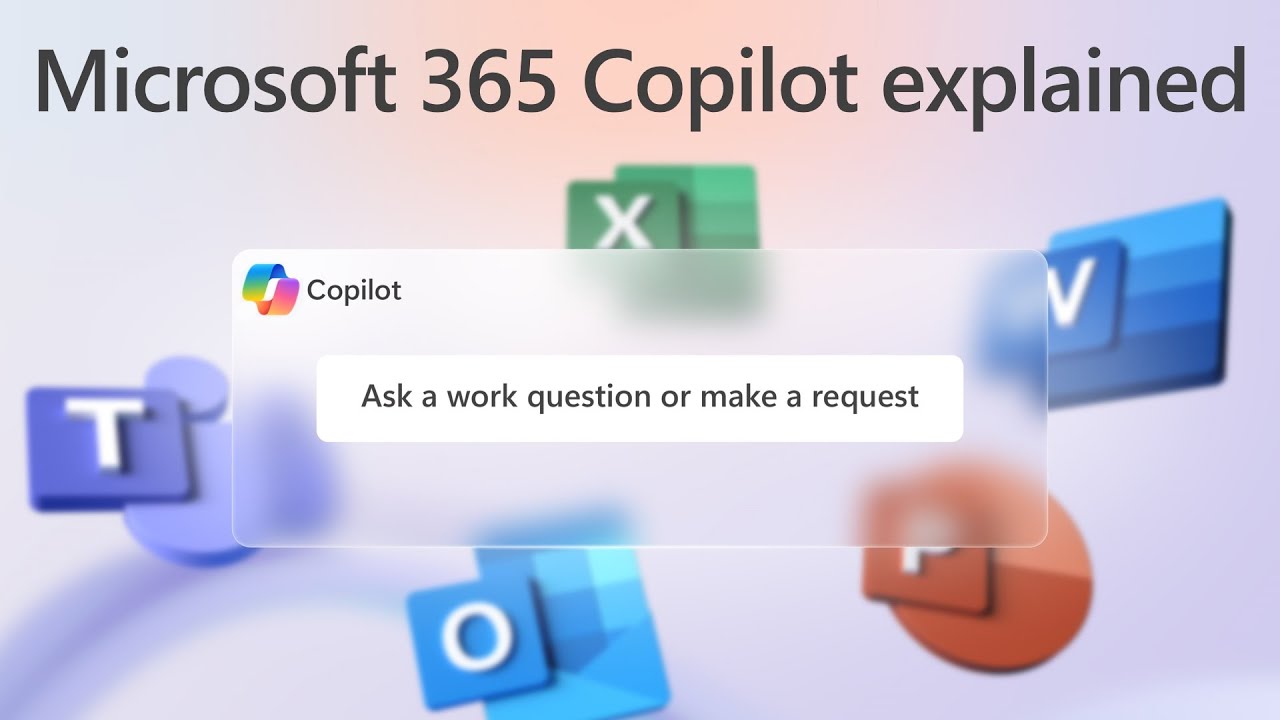
How Microsoft 365 Copilot works
Want to build a team of superhero’s? Thanks to Microsoft 365 Copilot, you can empower your employees to be more creative in Word, more analytical in Excel, more expressive in PowerPoint, more productive in Outlook and more collaborative in Teams. Watch this video to see how Copilot connects your organization’s siloed and hard-to-find data to a large language model that delivers insights and increases productivity and efficiency.
@Microsoft 365
Announcing Public Preview of Personal Desktop Autoscale on Azure Virtual Desktop
Autoscale in @Microsoft Azure Personal Desktop has arrived! Personal Desktop Autoscale is Azure Virtual Desktop’s native scaling solution that saves costs by shutting down idle session hosts while ensuring session hosts can be started by users when needed.
Find out how to access this money-saving feature in this article. 👉
Howard University doubles security score and saves $1 million annually
Learn how Howard University recovered from a ransomware attack, double its security score and now saves $1 million annually with Microsoft Security solutions. Read the customer story. 🏫
Navigate hybrid work with Microsoft Teams Rooms
In your hybrid workplace, making sure every employee feels they have a voice regardless of where they’re working is important. The Teams Rooms feature in Microsoft Teams is a great way to do it. Take this interactive tour for a walkthrough of🚶the features that make meetings more inclusive, flexible, secure and easy to manage. Ready to transform hybrid meetings into a productive, collaborative hub? Tell us in the comments if you’d like to learn how we can help.
Azure Virtual Desktop Watermarking Support
You can protect your digital content and data from unauthorized copying with Microsoft’s Watermarking feature in Azure Virtual Desktop.
Learn how to use this @Microsoft security feature. Read this Microsoft support article.
Microsoft Teams Rooms
If you’re looking to make the most of your hybrid meetings, check out this short blog and quick demo on @Microsoft Teams Rooms. Visit now to see how easy it is to transform digital workspaces into collaborative hubs. #Microsoft
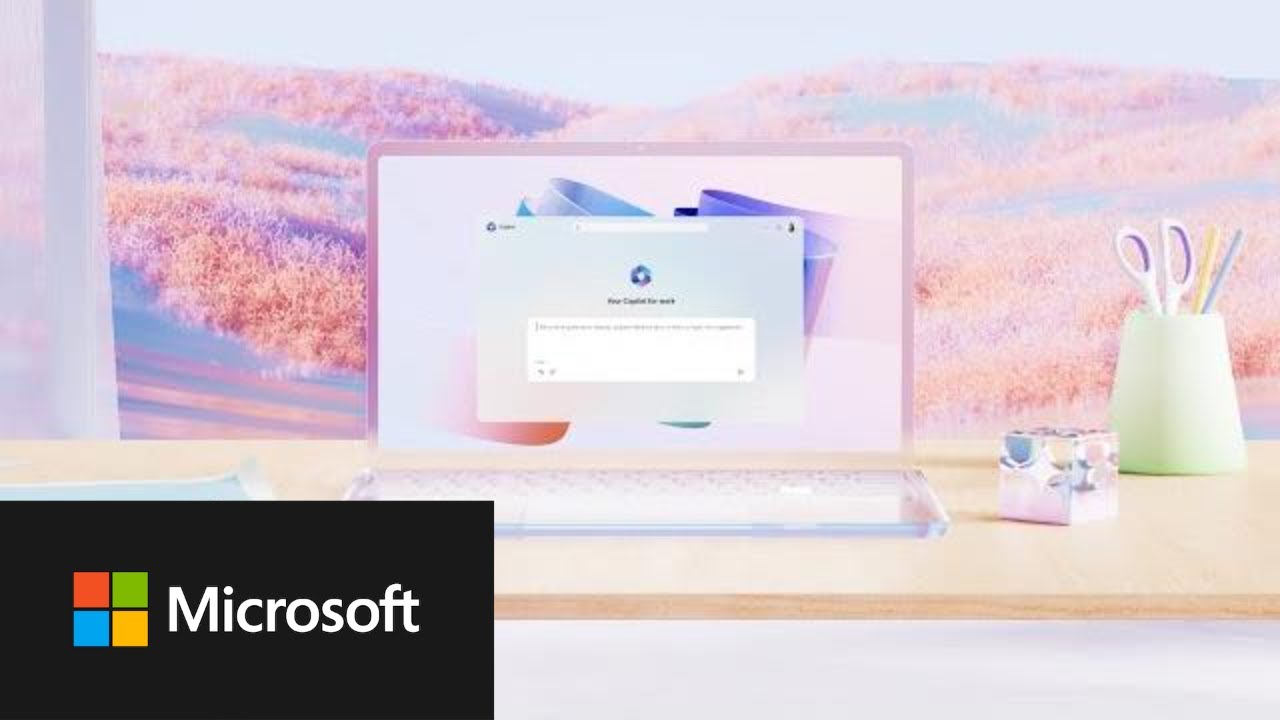
Introducing Microsoft 365 Copilot: Your Copilot for Work
With Microsoft 365 Copilot, the power of next-generation AI is accessible to everyone in your organization’s workforce. Imagine the increase in your productivity metrics. Watch this video about how Microsoft 365 Copilot delivers the information and insights your teams need to work smarter and more efficiently.
@Microsoft 365
Announcing Microsoft Copilot, your everyday AI companion
The new era of AI is fundamentally changing how we relate to and benefit from technology. A little overwhelmed by the AI revolution? You’re not alone! Read this blog showing how Microsoft 365 Copilot provides your employee teams with the assistance they need for virtually any task, transforming workflows through productivity and efficiency.
@Microsoft 365