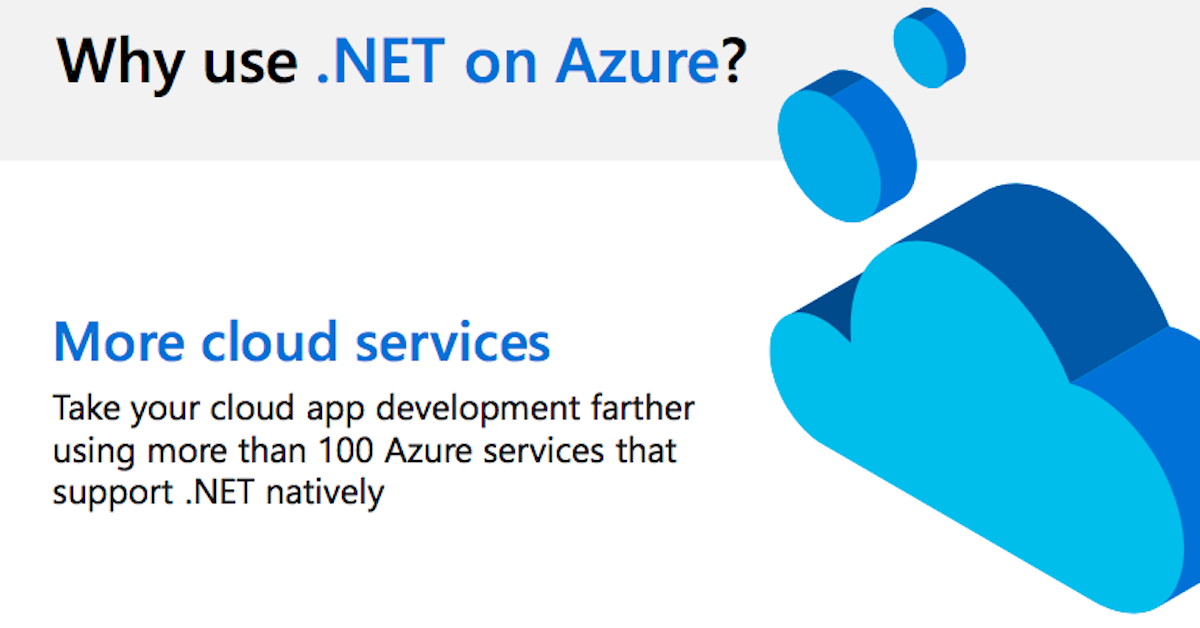
When you use Microsoft .NET apps, you get Visual Studio tools and over 100 cloud services. You also benefit from faster, simpler development.
Free Tech Blog from LogicCloud IT
When you use Microsoft .NET apps, you get Visual Studio tools and over 100 cloud services. You also benefit from faster, simpler development.

As organizations have had to quickly pivot to new working environments, cyberattacks have become an urgent concern. In this thought leadership article, you can learn some of the best practices using Microsoft security that help ensure the best protection. Examples include secure access to cloud applications that protect sign-ins with security defaults, methods to manage and secure corporate data in approved apps on personal devices, and providing clear and basic information, including how to protect their devices, will help you and employees stay ahead of threats so they can remain productive.

Don’t miss your chance to learn how Surface devices fit perfectly with government organizations. Subscribe now to receive our updates and support!
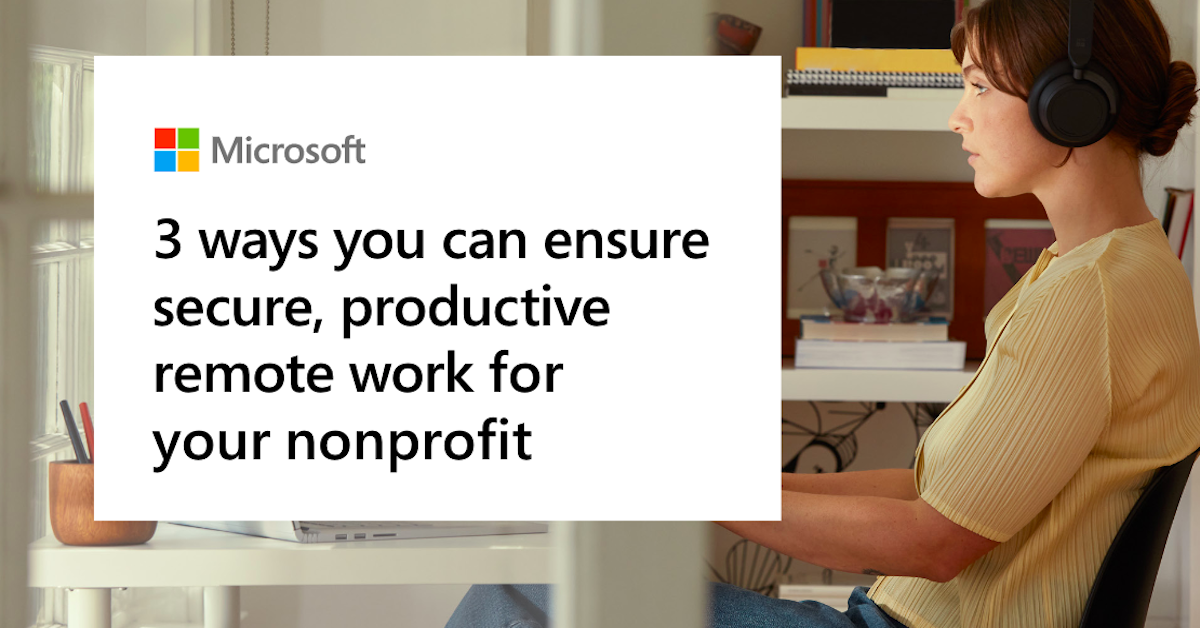
As remote work becomes increasingly common, organizations need to empower employees and volunteers to be productive from anywhere, while ensuring a secure, productive remote work environment.
View: 3 ways you can ensure secure, productive remote work for your nonprofit

As business become more digitalized, they must learn to contend with the increasing number of cloud security threats and incidents. Therefore, investing in the tools that can give them the ability to deal with and overcome these issues is quickly becoming every modern organization’s primary concern. These tools, however, must ensure the security of enterprises’ data while allowing them to remain flexible, productive, and efficient. In this regard, software-as-a-service (SaaS) has become the top choice for today’s leading organizations thanks to its ability to safeguard information while reducing costs and providing employees with intuitive applications.
In this article, you’ll learn how SaaS models like Microsoft 365 have become key in helping businesses’ IT departments keep information secure in today’s highly connected world.
In this infographic, discover suggestions to empower remote employees as they use Teams to embrace online communication, stay focused, share content, and stay connected.
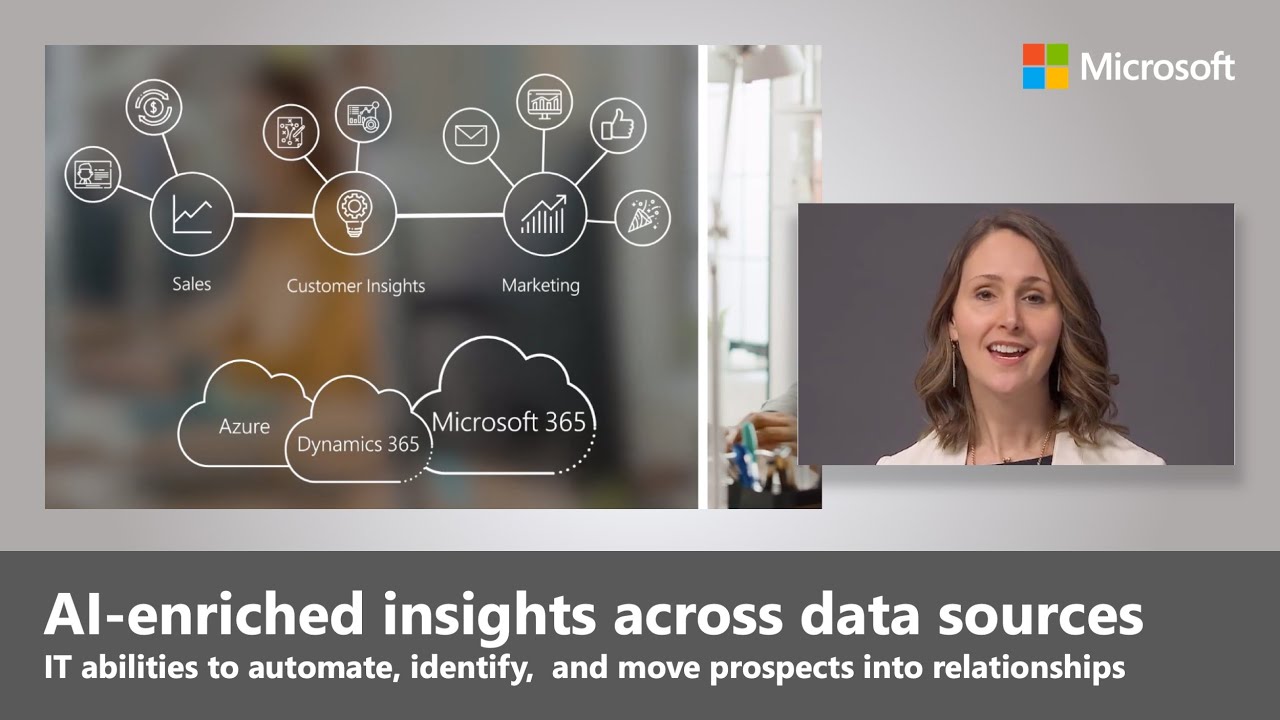
This video illustrates how to get the most from Dynamics 365 – the unified platform powered by Azure AI and natively integrated with your favorite Microsoft 365 applications. Learn how to enable an intelligent sales and marketing approach for your organization with AI from Microsoft Dynamics 365.

Discover how the Carlsberg Group has successfully migrated SAP to Microsoft Azure. Migrating their environment to the cloud has helped them drive business performance and achieve digital transformation by streamlining their IT infrastructure.
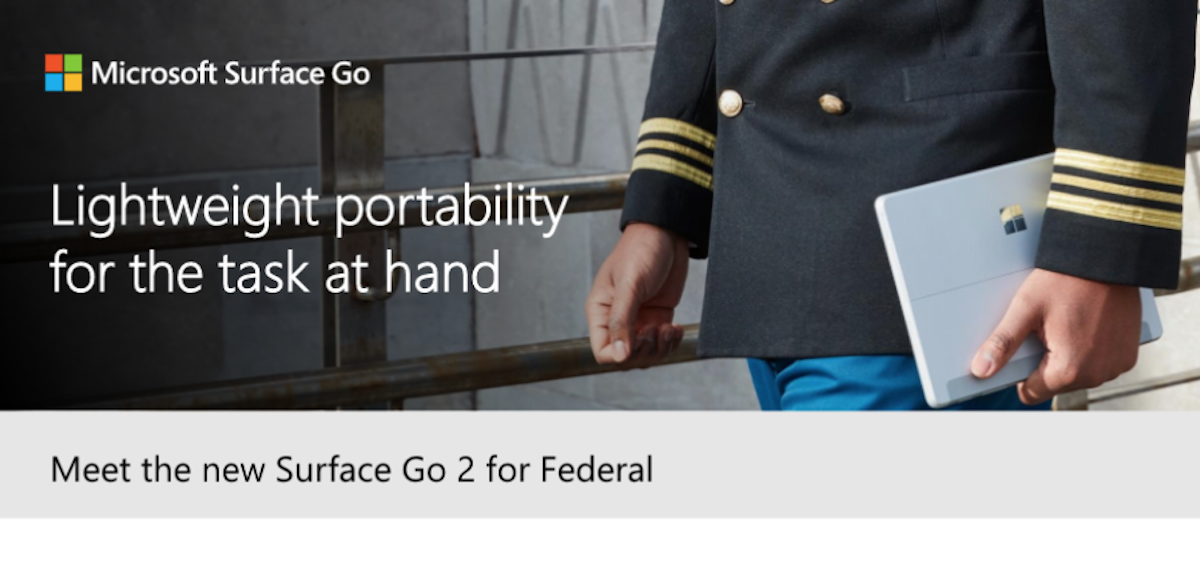
Lightweight portability for the task at hand—the new Surface Go 2 for Federal is the lightest Microsoft Surface 2-in-1 device and features a bigger 10.5-inch touchscreen display with up to 10 hours of battery life—and still only weighs 1.2 pounds. Have a look at this data sheet for all the details.
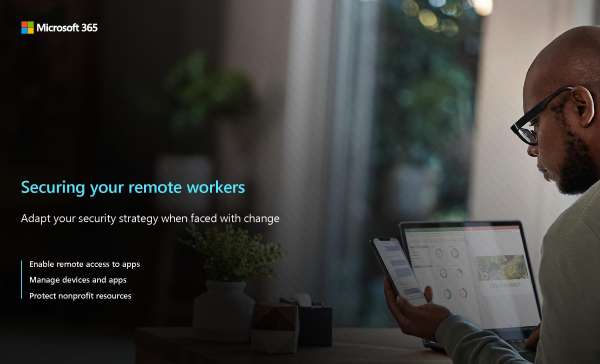
Quickly pivot to remote work while turning on built-in security controls to help your workers stay secure. In our e-book, “Securing your remote workers,” you’ll learn how you can secure remote workers the following ways:
Enable remote access to apps to successfully connect a remote workforce.
Manage devices and apps to secure your remote workforce.
Protect your data, apps, and endpoints against threats and security risks.
Each nonprofit facing these challenges has different needs. This guide aims to show how you can use your existing investments in Microsoft 365 to secure your organization where it needs it most.