This analysis from Gartner studies 4 trends that will shape cloud adoption in 2020: cost efficiency, multi-cloud vendor flexibility, the impact of cloud IaaS skills on migrations, and advances in service availability made possible by distributed clouds.

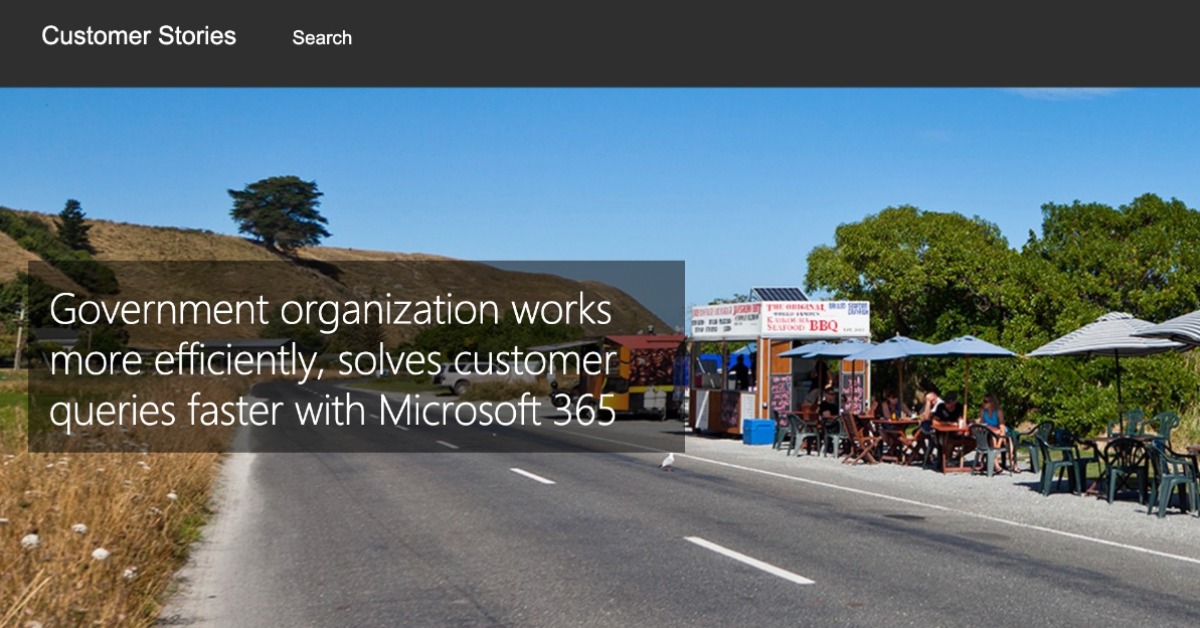
Case Study: Inland Revenue
Inland Revenue (IR), New Zealand manages and collects tax revenue and administers social support programs to its customers. It needs a modern, mobile workplace to help solve its challenges and meet the needs of a widely dispersed staff working toward a common goal.
Read this case study to see how IR uses Microsoft 365 E5 to give its employees reliable, collaborative, and secure tools and services from anywhere.
What is Microsoft Teams?
This video shows how you can pull together a team with Microsoft Teams on your PC, Mac, or mobile device. Use chat instead of email, securely edit files at the same time, see your likes, mentions, and replies with just a single tap, and have the freedom to customize it all by adding notes, websites, and apps.
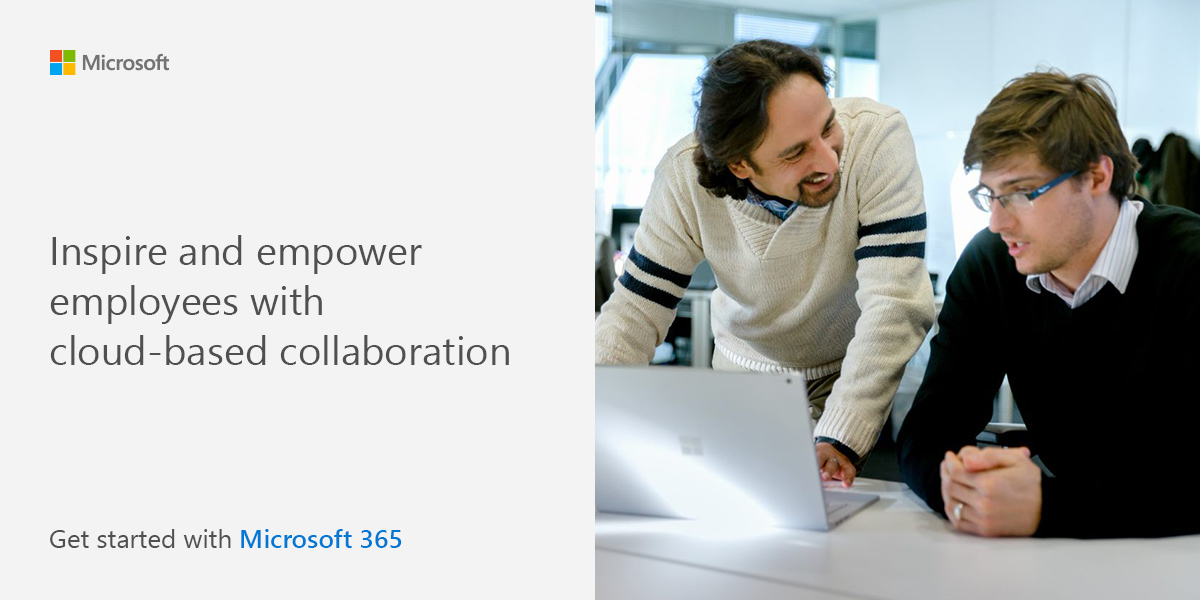
Inspire and empower employees with cloud-based collaboration. Get started with Microsoft 365.
Today’s organizations need flexible, secure, and intuitive digital tools that allow employees to perform their jobs from virtually anywhere. Organizations also require seamless collaboration capabilities that foster innovative ideas and allow them to mature into high-impact initiatives. Thankfully, getting the most out of the industry’s leading productivity applications has never been easier.
Subscribe now to learn how you can transform your business into a modern, cloud-based workplace with the help of Microsoft 365.
View: Inspire and empower employees with cloud-based collaboration. Get started with Microsoft 365.
Intelligent, Trusted, Flexible
This infographic offers an in-depth look at how Microsoft business analytics and AI is intelligent, trusted, and flexible. This service produces faster, more accurate insights and predictions. It also offers the most secure, compliant, and scalable system. Finally, it works with what you have.
How four nonprofits accelerated their missions through the cloud
Nonprofits of all sizes are looking to technology to help maximize shrinking resources. A growing number are turning to the cloud to increase security and stability, reduce costs, and gain analytical tools that help them respond quicker and more effectively to needs.
This e-book also outlines the key benefits of moving to the cloud and points you to several offers and resources that can make the cloud more affordable, accessible, and relevant to your mission.
View: How four nonprofits accelerated their missions through the cloud
Cloud Migration Checklist: Simple steps to start your migration today
This migration checklist provides easy, step-by-step guidance on the tools, planning, and resources you’ll need to migrate your apps, data, and infrastructure to the cloud with confidence—no matter where you currently are in the process.
View: Cloud Migration Checklist: Simple steps to start your migration today
Meet Surface Hub 2S for Federal
Teamwork without boundaries. Meet the Surface Hub 2S for Federal, which makes remote teamwork easier than ever. Collaborate using Microsoft Teams and stay engaged during meetings with a 4K+ quality screen and camera, along with enhanced speakers, mics and Whiteboard. You’ll feel connected even when you’re apart. Check out this data sheet!
Microsoft Fireside Chat | The Salvation Army stays connected during COVID-19
The global COVID-19 Pandemic presented a challenge to Salvation Army locations across the world—how to continue serving people who rely on The Salvation Army while still staying safe and adhering to social distancing? Microsoft CVP Jared Spataro and The Salvation Army Commissioner Merle Heatwole discuss how Microsoft Teams is helping connect employees from The Salvation Army’s international headquarters in London, helping them maintain their relationship with international chapters who rely on their support.
Top 10 Ways Growing Businesses are Creating Value with DocuSign
Have you considered how many documents you need sign to keep your business moving? Sales contracts, customer forms, vendor and supplier agreements, non-disclosure forms… The list can be long and the stacks and files and piles, cumbersome.
Your growing business can’t be bogged down by slow, inefficient, paper processes. But with DocuSign, small and midsized companies run their businesses better for less, while delighting customers with a better overall experience.
Check out this e-book to find out 10 ways your growing business can create value with DocuSign.
View: Top 10 Ways Growing Businesses are Creating Value with DocuSign